How to Prepare Artwork for UV Flatbed Printing: The Dubai Print Studio Guide
Bleed, resolution, colour profiles, white ink layers — our prepress team explains exactly how to set up files for UV printing to avoid costly reprints in Dubai.
Resolution: Always 300 DPI at Print Size
UV flatbed printers print at up to 1200 dpi. Your artwork must be at least 300 dpi at the final print size. A 10×10cm print needs a minimum 1181×1181px image. Enlarging a 72 dpi web image will produce a blurry result — always supply original high-resolution files.
Colour Mode: CMYK, Not RGB
Screens display RGB; UV printers output CMYK. Convert all files to CMYK before submission. Uncoated paper CMYK profiles differ from rigid substrate profiles — we recommend ISO Coated v2 or send us a Pantone reference and we'll match it.
Bleed & Safe Zone
Add 3mm bleed on all edges for cut products. Keep all critical text and logos at least 5mm inside the trim line. For borderless prints on acrylic or wood, we recommend 5mm bleed.
White Ink Underbase
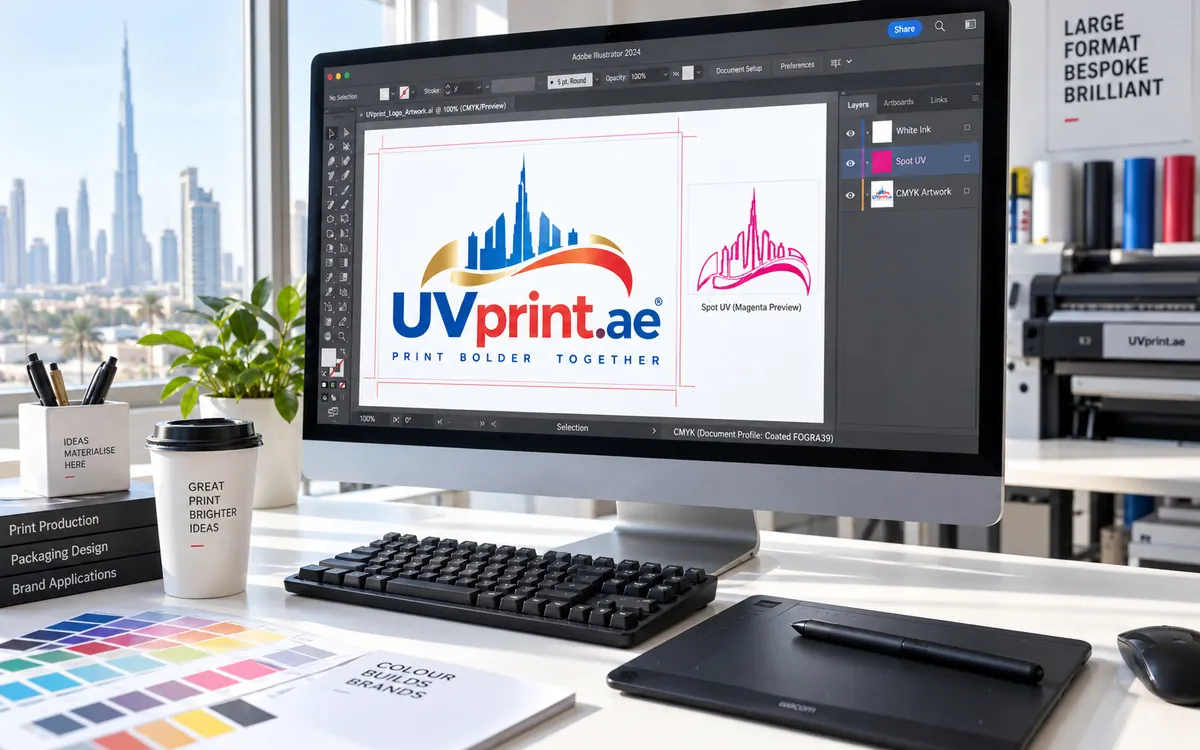
When printing on transparent, metallic, or dark surfaces, a white ink underbase is essential. Supply a separate white layer in your file (typically on a spot colour named "White"). Without it, colours print translucent — especially on clear acrylic.
File Formats We Accept
- PDF (preferred) — embed all fonts, flatten transparencies
- AI / EPS — include linked files and fonts
- PSD — flatten layers or send with layer descriptions
- CDR — CorelDRAW X7 or later
- PNG / TIFF — for raster-only jobs, 300 dpi minimum
Send artwork directly to our prepress team via WhatsApp. We do a free preflight check on every file before printing.
Need this made in Dubai?
Send your artwork, material and quantity on WhatsApp and we'll come back with a quote. See our UV printing in Dubai services, or browse the 50+ materials we work with.
WhatsApp +971 56 380 8771